
 NL
NL EN
EN DE
DE WhatsApp +34
Ajax Baseline · Video surveillance
AJAX video surveillance: NVR (Network Video Recorder)
An Ajax NVR is the central recording and management hub for wired Baseline IP cameras. On this page you will find all four NVR variants, the difference between AC and DC power, and how the recorder works with the Ajax alarm system and mobile app.
The wired cameras each have their own page: BulletCam · TurretCam · DomeCam Mini — or the wired Ajax cameras overview. For Wi-Fi cameras and the Ajax DoorBell, see separate pages. We install as an accredited Ajax Systems Partner.

What does an NVR do?
A Network Video Recorder receives video streams from IP cameras over the local network (Ethernet), stores footage on an internal hard drive, and makes live view, archive and alarm scenarios available in the Ajax app and on a connected monitor. Without an NVR you have no central, local storage for your Ajax Baseline cameras.
Ajax offers four hardware variants with the same software features. The difference is the number of channels (8 or 16) and how they are powered (mains AC or low-voltage DC).
Four NVR variants
Ajax uses one product line with two choices: channel count and power type. All four share the same JetSparrow technology, app control, tamper protection and alarm linking.

NVR (8-ch)
Network recorder for 8 cameras with built-in mains power supply (110–240 V AC).
- 4K per channel (25/30 fps)
- Power cable in the box
- Ideal when a mains outlet is available in a utility room
NVR DC (8-ch)
Same 8 channels, but powered by low-voltage DC (9–16 V) via terminal block.
- No built-in AC power supply
- Terminal adapter instead of power cable
- Suits central DC power or UPS
NVR (16-ch)
Expansion to 16 cameras on one recorder, with built-in AC power supply.
- Same physical enclosure as 8-ch
- More bandwidth required on the LAN
- For larger properties or multiple buildings
NVR DC (16-ch)
16 channels with DC power — the professional choice when everything runs on one DC source.
- 9–16 V DC, up to 24 W consumption
- Jumper on PSU board for 12 V or wide band
- Often combined with alarm panel power supply
Comparison table
The table below summarises the real differences. Software, security and integration with Ajax alarm systems are identical.
| Model | Channels | Power | Max. resolution | Box contents | When to choose? |
|---|---|---|---|---|---|
| NVR (8-ch) | 8 | 110–240 V AC (built-in) | 4K @ 25/30 fps | Power cable, SmartBracket, Ethernet cable | Standard home; mains outlet available |
| NVR DC (8-ch) | 8 | 9–16 V DC (terminals) | 4K @ 25/30 fps | Terminal adapter, SmartBracket, Ethernet cable | Central DC/UPS; no separate mains outlet |
| NVR (16-ch) | 16 | 110–240 V AC (built-in) | 4K @ 25/30 fps | Power cable, SmartBracket, Ethernet cable | More than 8 camera positions |
| NVR DC (16-ch) | 16 | 9–16 V DC (terminals) | 4K @ 25/30 fps | Terminal adapter, SmartBracket, Ethernet cable | Large project + professional DC power |
| Feature | Value |
|---|---|
| Storage | 1× SATA HDD/SSD, 2,5" of 3,5", tot 16 TB (drive not included, max. 7 W) |
| Codecs | H.265 (HEVC) en H.264 |
| Network | Ethernet tot 100 Mbps; automatic camera discovery on LAN |
| Camera compatibility | Ajax Baseline cameras + ONVIF Profile S/T and RTSP (third-party too) |
| Enclosure | Fanless, IP20, indoor only (0–40 °C) |
| Colours | Black or white |
| Security | 2FA, session management, tamper via SmartBracket, NDAA-compliant |
| Warranty | 24 months |
NVR (AC) — mains power
The standard NVR has a built-in power supply and connects directly to 110–240 V AC. That is the simplest choice in a home or villa: the NVR goes in a utility room, storage area or rack where a mains outlet is available.
Box contents: power cable. No separate DC source required.
NVR DC — low voltage
The DC variant has no built-in mains supply. It is powered by 9–16 V DC via a terminal block (terminal adapter in the box). This is common in professional installations where NVR, alarm panel and other equipment run on one central DC supply or UPS.
The PSU board has a jumper: without jumper 8–16 V (wide band); with jumper 12.3–16 V (tighter 12 V band). We determine during design which mode fits your power architecture.
8 or 16 channels?
Elk kanaal neemt één IP-camera op. Bij 4–6 camera’s volstaat 8-ch; bij grotere percelen, meerdere gebouwen of uitbreidingsplannen kiest u 16-ch. De fysieke behuizing is identiek — alleen de interne verwerkingscapaciteit verschilt.
JetSparrow: fast streaming and archive

Ajax JetSparrow is the proprietary video engine behind all Baseline NVRs. It enables dual streaming: a low-resolution stream for fast live view and a higher stream for recording and detail. Archive navigation feels like cloud storage — without delay when scrubbing to an alarm moment.
Peer-to-peer
Direct, encrypted video transmission between NVR and app without routing through external servers for local viewing.
TLS-versleuteling
Video traffic is encrypted. Combined with 2FA and role-based access in the Ajax app.
Videowall
Combine live feeds from all cameras on one screen — locally on a monitor or remotely via smartphone, tablet or desktop.
Practical benefit
On an alarm notification you jump with one tap from the event log to the exact camera image at the time of the incident. Filters by motion or scenario, calendar view and quick export make forensic review easier than with classic DVR systems.
Integration with the Ajax alarm system
The distinctive advantage of Ajax over standalone CCTV solutions: the NVR is not an island, but part of the same ecosystem as your Hub, detectors and siren.

Alarm-to-video scenarios
Configure specific Ajax detectors (e.g. outdoor sensor or door contact) to trigger recording on certain cameras. You receive high-quality images for verification in the app immediately.

Archive linked to events
Recordings are synchronised with system events. No endless scrubbing — every alarm has a direct timeline link.
Linking in practice
The NVR is added to the Ajax security system via QR code — without a separate web interface or plug-ins. From the same app you manage alarm and video. That is a different ecosystem from wireless MotionCam cameras on the Jeweller protocol; those belong to the Grade 2 Baseline intrusion line.
Wired video surveillance does not replace outdoor detection. Cameras provide images; sensors and siren protect the home. Read why cameras alone are insufficient.
ONVIF, RTSP and motion detection
Ajax NVRs support ONVIF Profile S and partially Profile T, plus RTSP. This allows cameras from other brands to be connected, or the NVR to be integrated into an existing VMS. In the Ajax app you switch per camera between motion detection on the NVR or on the camera itself.
Export with digital signature
Exported recordings contain a built-in digital signature. Changes to the file are detected — relevant for evidence. (Ajax Media Player for verification; we recommend this for legal or insurance claims.)
Storage, montage en installatie
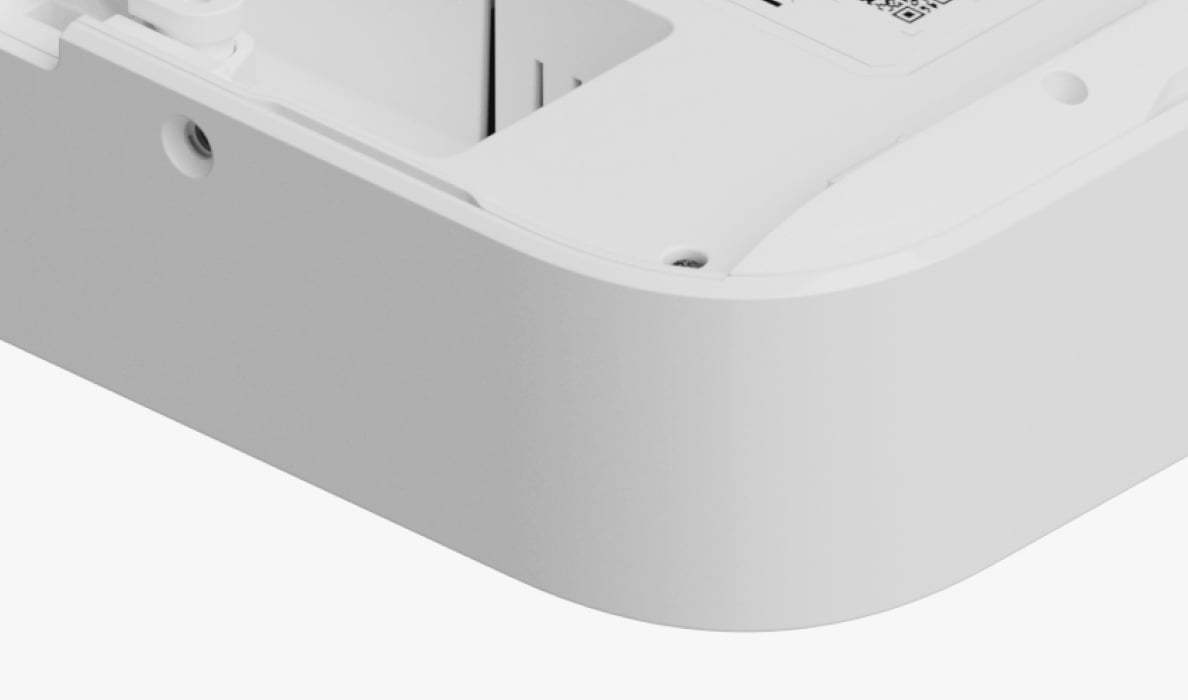
Fanless & SmartBracket
Passive cooling without a fan — quieter and less prone to failure. Mounting on the SmartBracket: removal triggers a tamper alert in the app.

Choose hard drive separately
The NVR is supplied without an HDD. We size the drive (up to 16 TB) based on camera count, resolution and required retention period.
Where does the NVR go?
The NVR is for indoor mounting only (IP20). Typically: utility room, storage, server cabinet or meter cupboard. Cameras can be outdoors; the recorder cannot.
We install the full video system only when Cat6a cabling to camera positions is already in place or can easily be included during new construction. We do not pull new cables through existing walls. See also our page on wired Ajax cameras.
Ajax NVR for your video surveillance?
No obligation · tailored on site
Together we determine the right model (8/16 ch, AC/DC), drive capacity and link with your alarm system. No prices on the website — a clear quote after a home visit.
Request a home visitRelated Ajax pages
BulletCam · TurretCam · DomeCam Mini · Wired Baseline cameras · Wi-Fi cameras · DoorBell · AJAX in Spain · Overview
Go to overview →Discover our full range
Ajax video surveillance and alarm systems for homes in Spain — on the overview page and via our homepage.